AI Best Practices & Compliance
Your firewalls do not block natural language.
Heavy use of technology at work has always carried risk. But with artificial intelligence, the threat has mutated: cybercriminals no longer just attack your infrastructure — they exploit your employees’ trust and the very features AI offers.
Developed with École des Mines and École des Beaux-Arts de Nancy, Palambur built a comprehensive approach in 10 key points to raise awareness and arm manufacturing businesses against this new paradigm.
Our 10 rules of AI best practice
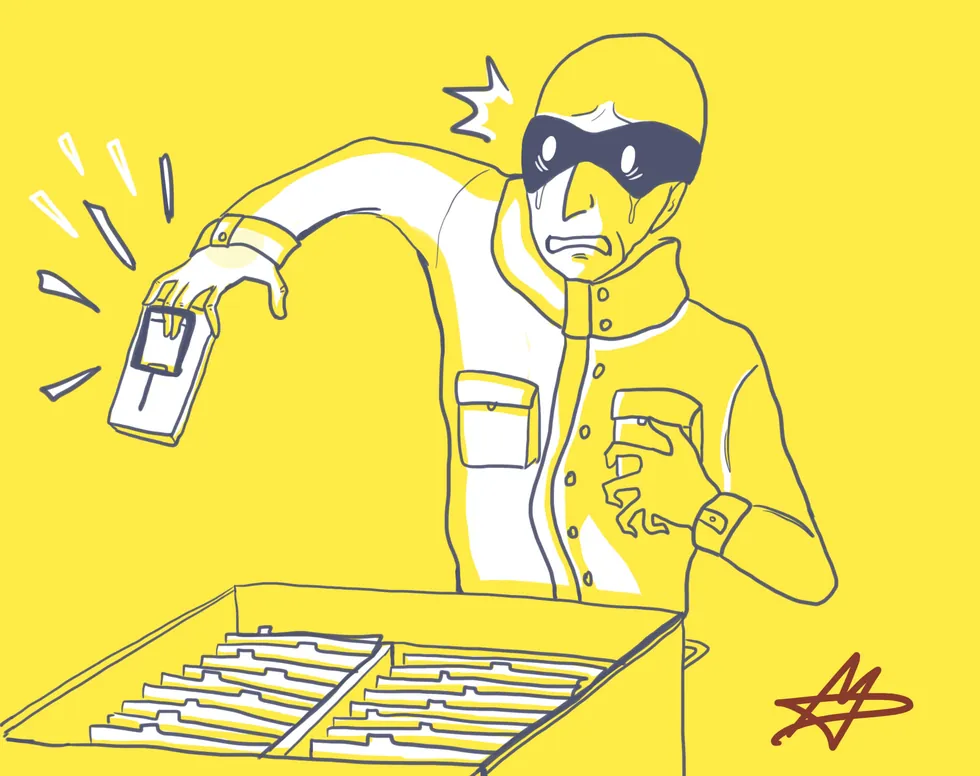
Only use company-issued equipment
Digital hygiene starts with control over hardware. Only equipment approved by the company (PC, tablet, smartphone) protects your data.
With the rise of local AI and smart mobile apps, an unsecured personal device has become a critical weak point.
- Your equipment carries malware protection and monitoring for data leaks toward unauthorized AI tools.
- Full-disk encryption prevents information from being compromised if a device is lost or stolen.
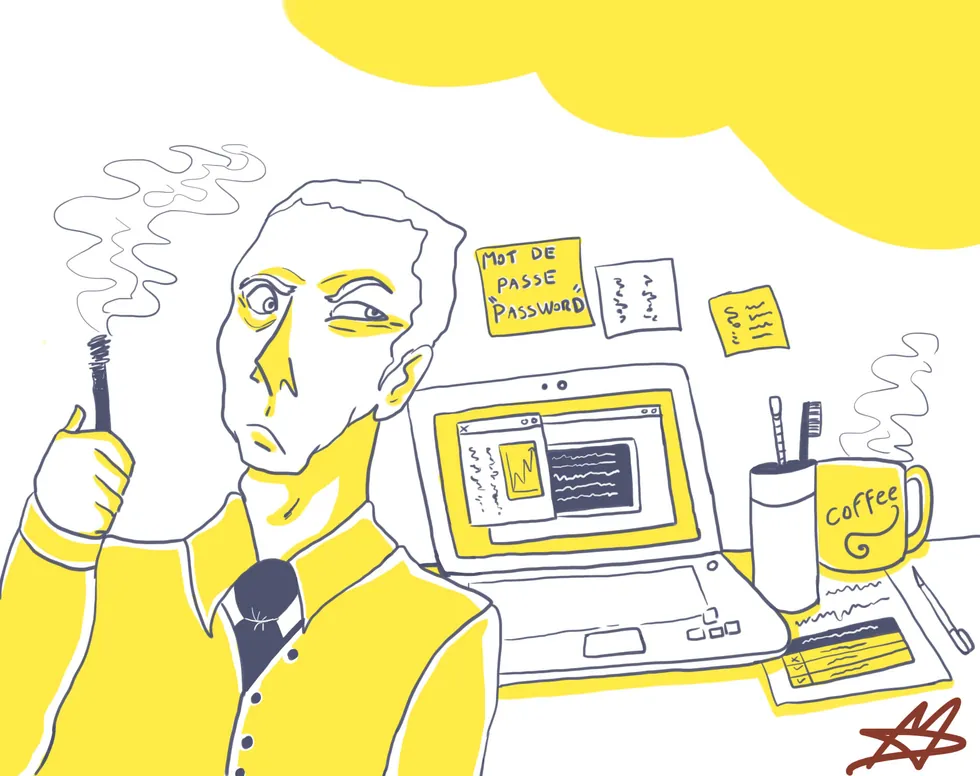
Protect your passwords and credentials
Passwords remain your first line of defense. And AI has multiplied attackers’ hacking capabilities.
Credential theft now happens invisibly, including through prompt injection attacks targeting your web assistants.
- Your passwords should be complex, unique, and changed regularly.
- Never share them, and never store them in plain text in virtual notes that a third-party AI could potentially read.
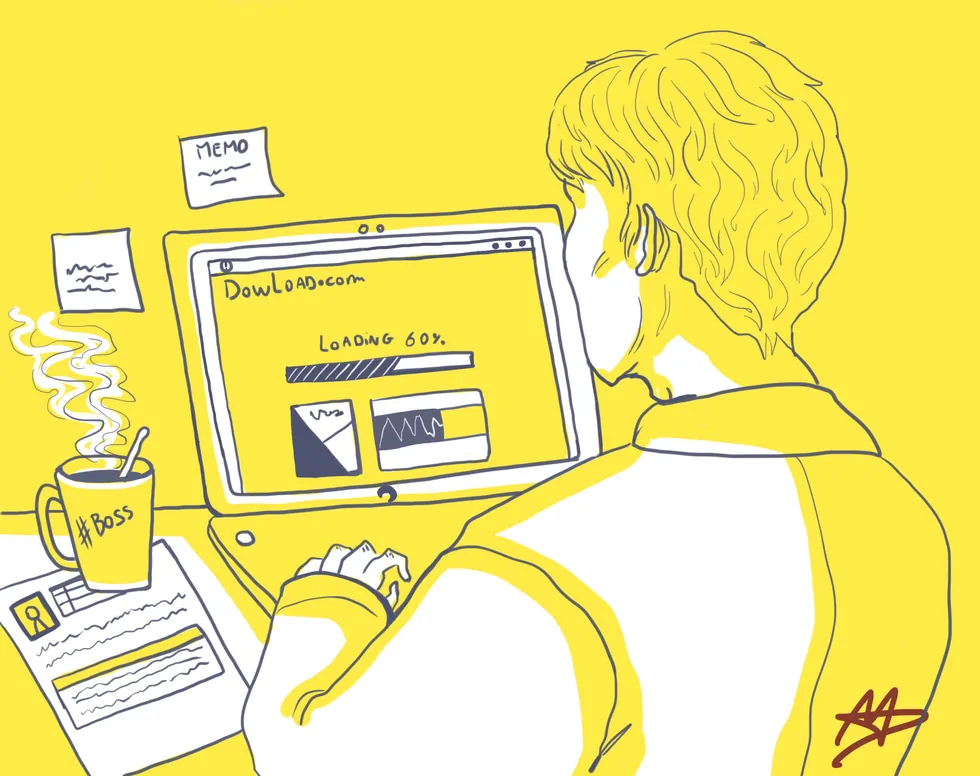
Only use approved software, solutions, and services
The temptation to use public AI tools to move faster is real: that is Shadow AI.
By pasting code, financial data, or personal information into a free AI tool, you unknowingly exfiltrate the company’s know-how to outside models that use it for their own training.
- Only company-approved software, AI, and internet services guarantee a contained environment.
- Using personal accounts on consumer AI platforms is strictly forbidden for work.
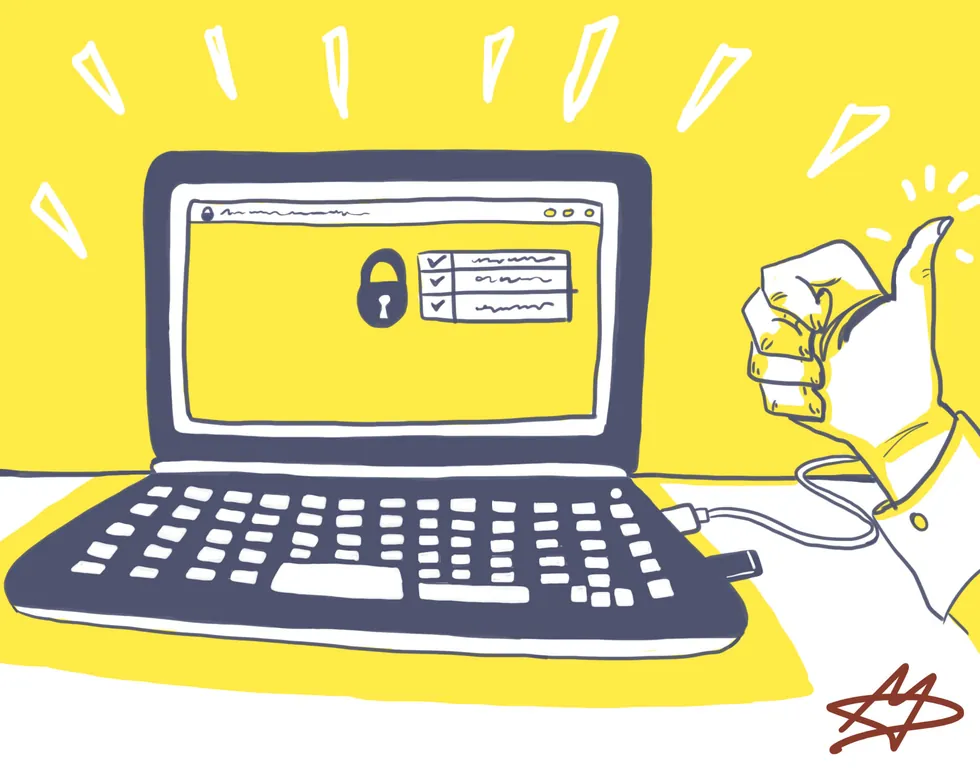
Protect data on mobile devices
Your laptop and your storage devices must always be protected.
Losing a connected device can hand a cybercriminal access to your sessions, including AI environments still logged in.
- Never leave your device unattended, even in a locked car trunk.
- Sensitive data moved to a portable device (USB drive, hard disk) must always be encrypted.
- If a device is lost or stolen, report it immediately to block remote access.
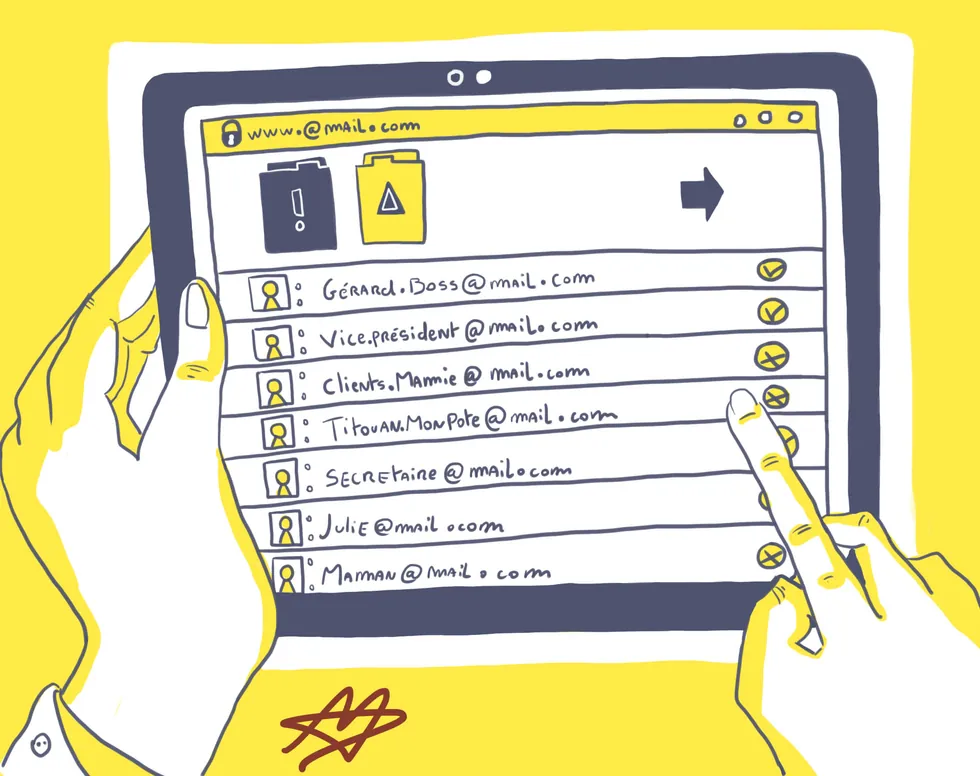
Handle email with heightened vigilance
Forget spam riddled with spelling mistakes. With malicious AI tools like WormGPT variants, cybercriminals now produce hyper-realistic, precisely targeted phishing emails.
A single external email can also carry hidden instructions that manipulate your own internal AI assistant (Living Off AI attacks).
- Carefully check the sender’s address.
- Never forward chain messages.
- Protect confidential data by limiting "reply all."
- Report any suspicious link, attachment, or behavior in your mailbox immediately.

Stay discreet, in public and online
Eavesdropping is no longer limited to someone glancing over your shoulder.
AI transcription tools (like Otter.ai) can auto-join a virtual meeting to transcribe and store strategic discussions — a critical leak risk.
- Control your meeting environments, virtual and physical, and never discuss confidential topics in public.
- Public Wi-Fi hotspots are not secure: only use them with a VPN connection.
- Do not use public USB charging stations: they can infect your devices with malware.

Watch for manipulation and deepfakes
Before sharing confidential information, be absolutely certain of the identity of the person you are talking to.
With voice cloning (vishing) and AI image generators able to forge convincing official documents, attackers now impersonate an executive or a partner with alarming precision.
- Adopt healthy skepticism: be wary of urgent requests for passwords, wire transfers, or sensitive information.
- Verify identity through an alternate communication channel (dual verification) for any unusual request.
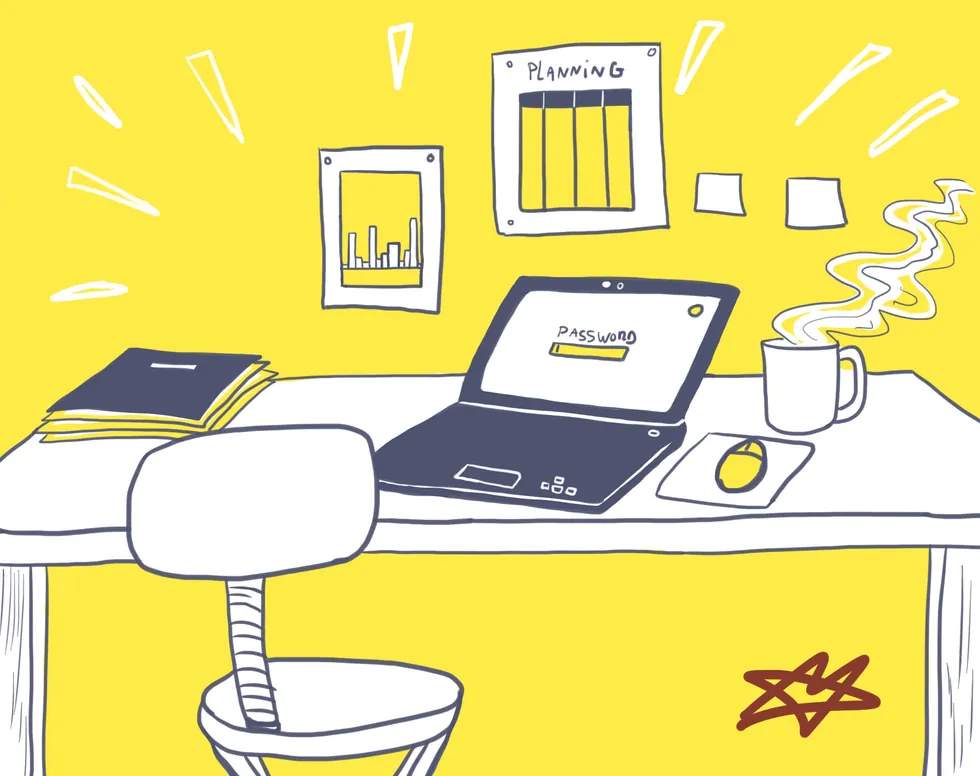
Protect confidential information at the source
Classify and protect company information.
With AI assistants everywhere (drafting help, presentation generation), the smallest piece of confidential data shared in the wrong place can be stored, reused, or even exposed to third parties.
- Only send information to people specifically authorized to handle it.
- Protect your exchanges with approved encryption solutions.
- Make sure your partners understand the confidentiality rules too.
- In most cases, check with the data owner before sharing it or submitting it for analysis.

Be careful when using the internet
AI assistants built into web browsers expose you to new, complex threats.
Recent techniques (like HashJack) hide malicious instructions inside the URL of a legitimate site: your assistant reads that URL and carries out the attack without your knowledge.
- Never visit potentially dangerous sites.
- Always use your VPN when working remotely, even for plain browsing.
- Limit the work information you share on social media, to avoid AI-assisted social-engineering attacks.
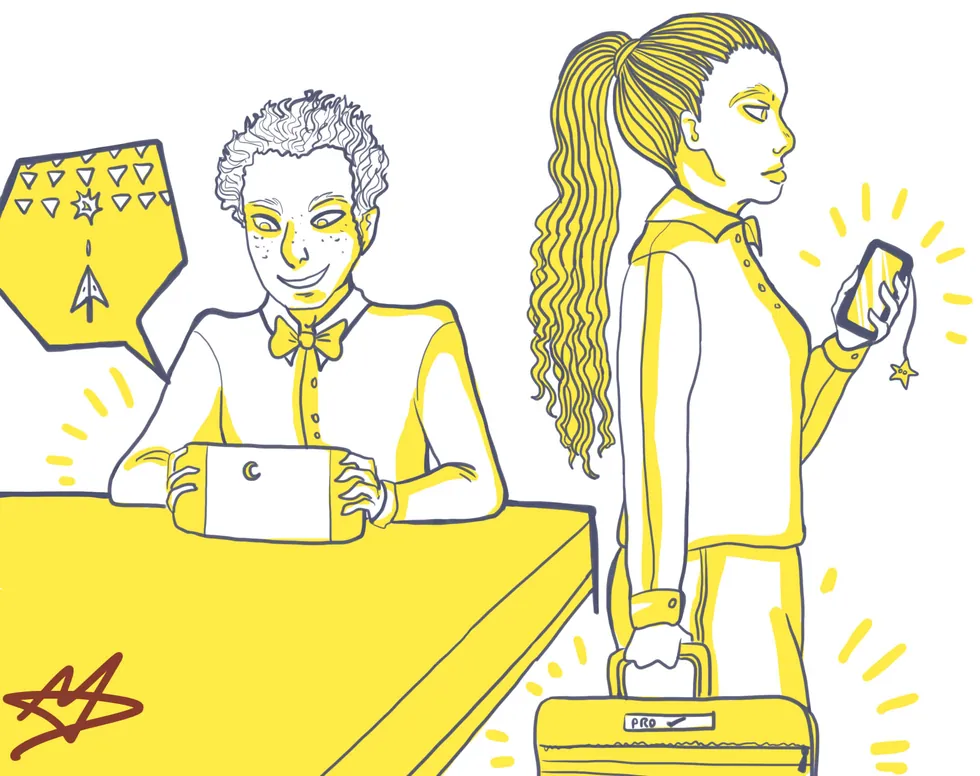
Secure your workspace
The "clean desk" policy remains an absolute safeguard.
Never leave a confidential document on your desk or at the printer: a single photo taken with a smartphone equipped with visual-analysis AI can scan, extract, and send your data in a fraction of a second.
- Always accompany outside visitors on the premises and wear your badge visibly.
- Lock your computer session the moment you step away from your desk.
- Never leave a laptop unprotected (a locked drawer or cabinet), especially overnight.
From rules to governance
These 10 rules are the foundation. For them to hold over time, they need to sit inside AI governance: a written charter, approved tools, a role-based prompt library, and validated assistants.
The legal texts, straight from the source
Always the official version currently in force, published by the Swiss Confederation (Fedlex) or the European Union (EUR-Lex). No intermediary copies.
Federal Act on Data Protection (RS 235.1)
The Swiss law in force since September 1, 2023. It applies to any Swiss business that processes personal data.
Data Protection Ordinance (RS 235.11)
The nLPD’s implementing text: security measures, processing register, notifications to the FDPIC.
General Data Protection Regulation (EU 2016/679)
Applies as soon as you process data belonging to people located in the EU: clients, prospects, or partners.
European Regulation on Artificial Intelligence (EU 2024/1689)
The first global framework for AI, phased in through 2027. Its Article 4 establishes the obligation to train staff.
Frequently asked questions
What does nLPD actually change for AI use at a company?
It sets clear rules on processing personal data, including when it passes through an AI tool. We help you identify your obligations without the legal jargon.
Does the EU AI Act apply to us as a Swiss business?
It can apply as soon as you work with clients or partners in the EU, depending on the AI uses involved. A quick review clarifies where you stand.
Where do we start if we have no AI policy at all yet?
With a simple inventory of what your team already uses, followed by a minimal written framework. That is exactly what the Shadow AI Audit does.
Do we need a different policy for every AI tool we use?
No, a general framework covers most cases, with a few extra rules for sensitive tools. We prioritize based on your actual exposure.
How long does it take to put the basic best practices in place?
The first habits take hold as early as the « Le Collaborateur, augmenté » training, in half a day. Full compliance then depends on your organization.
What now?
The right habits start with training.